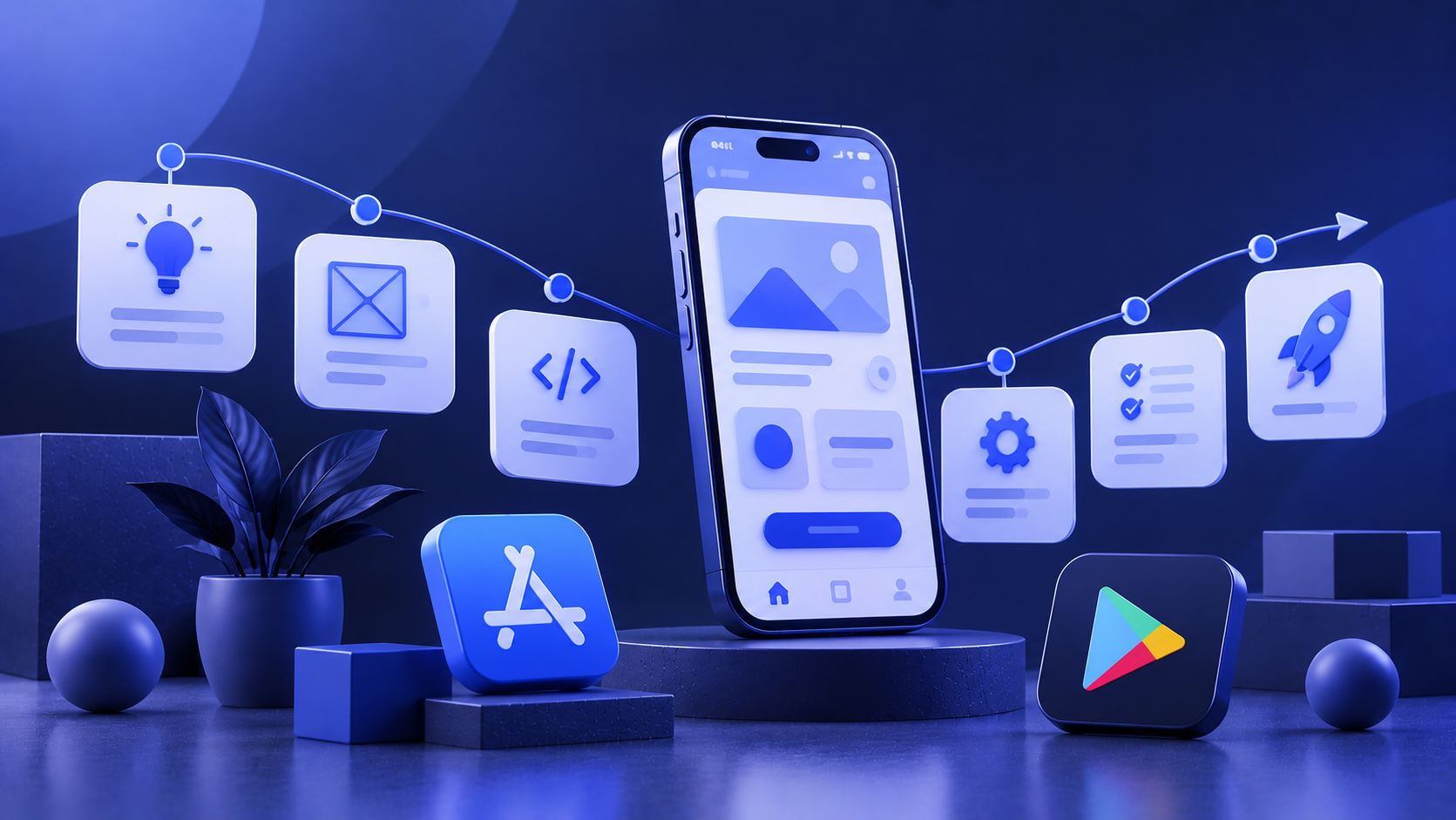






Building a mobile app starts long before developers begin writing code. A successful product requires a structured process that turns an initial idea into a functional, user-friendly application. This usually includes validating the concept, defining features, designing user journeys, developing the product, testing it, and preparing it for release.
A clear development process also helps businesses manage budgets, timelines, and priorities. Decisions made early in the project can prevent unnecessary features and expensive changes later. Here are the main stages of taking a mobile app from concept to launch.
1. Define the Product Concept
The first step is to understand what problem the app will solve and who will use it. An interesting idea alone is not enough; the product needs to provide clear value to a specific audience.
Define your target users, business objectives, and primary use cases. Competitor research can also reveal which features are already available, how other apps approach the same problem, and where opportunities for improvement may exist.
The goal is to establish a clear product direction before moving into design or development.
2. Prioritize the Features
Once the concept is clear, determine what the app actually needs to do. Separate essential functionality from features that can be introduced later.
Trying to include every possible feature in the first release can increase development time, costs, and testing requirements. Some of those features may also turn out to have little value for users.
For many projects, an MVP is a practical starting point. It includes the core functionality required to test the product idea and collect feedback before investing in a larger feature set.
3. Plan the UX and Build a Prototype
Before creating the visual design, the team needs to define how users will move through the application.
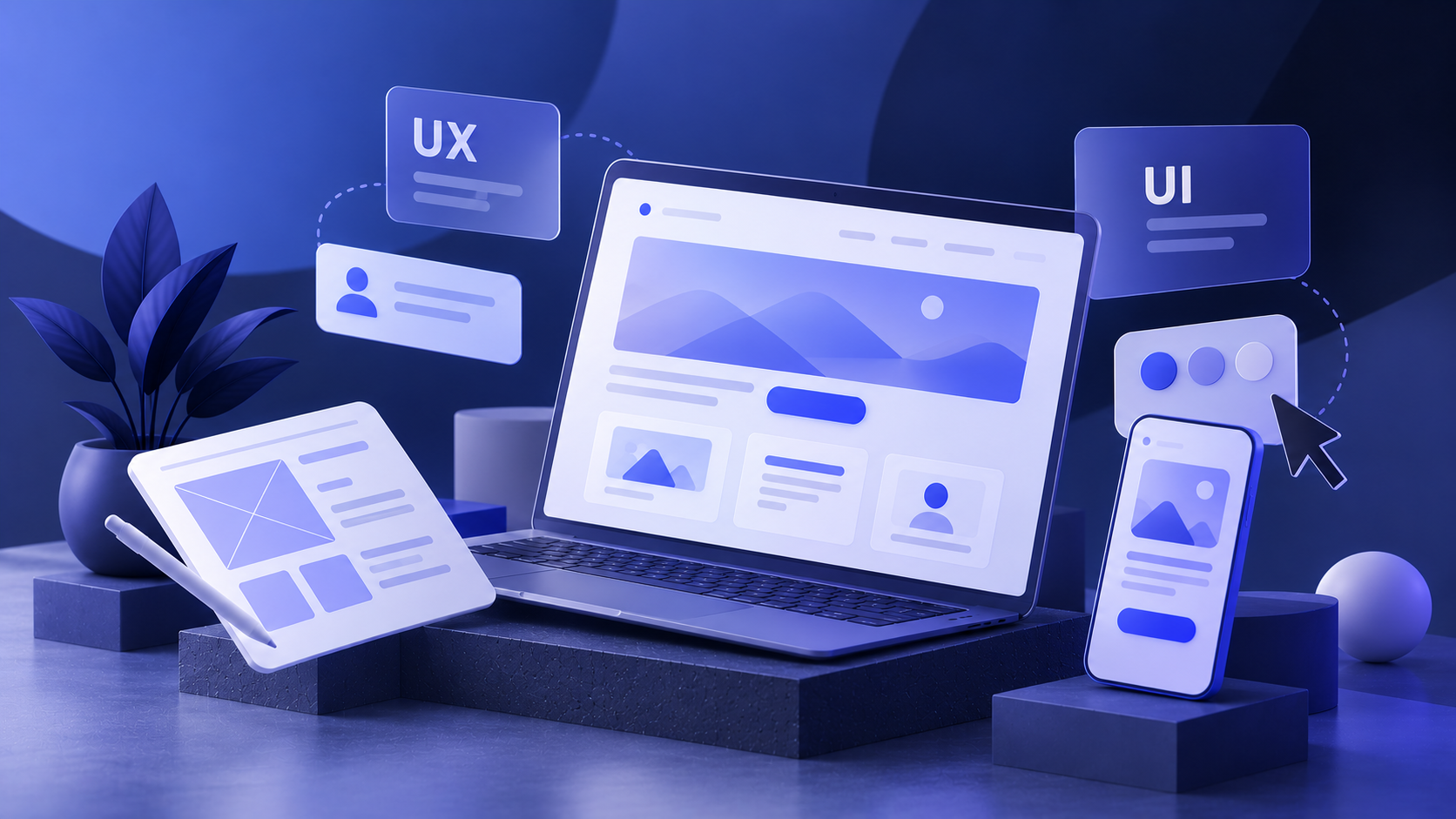
UX design covers the app structure, navigation, key user journeys, and interactions between screens. Wireframes provide an initial representation of this structure, while an interactive prototype can demonstrate how important scenarios will work.
Testing these decisions at the prototype stage is usually easier than changing completed functionality later.
4. Create the UI Design
Once the user journeys are established, the project moves into visual design. This stage defines typography, colors, buttons, forms, icons, cards, and other interface components.
The UI should support the brand while remaining easy to understand. Important actions need to be clearly visible, and similar components should behave consistently throughout the application.
A design system can help maintain this consistency and simplify future updates.
5. Develop the Application
With the design approved, developers begin implementing the product. Depending on project requirements, the app may be built natively for iOS and Android or with a cross-platform framework.
Development may also include a backend, database, admin panel, authentication, payment processing, and integrations with external services.
Breaking development into smaller stages makes it easier to review progress and identify problems earlier.
6. Test Before Release
Testing is essential before an app reaches real users. The team should check navigation, registration, forms, notifications, payments, integrations, and other important functionality.
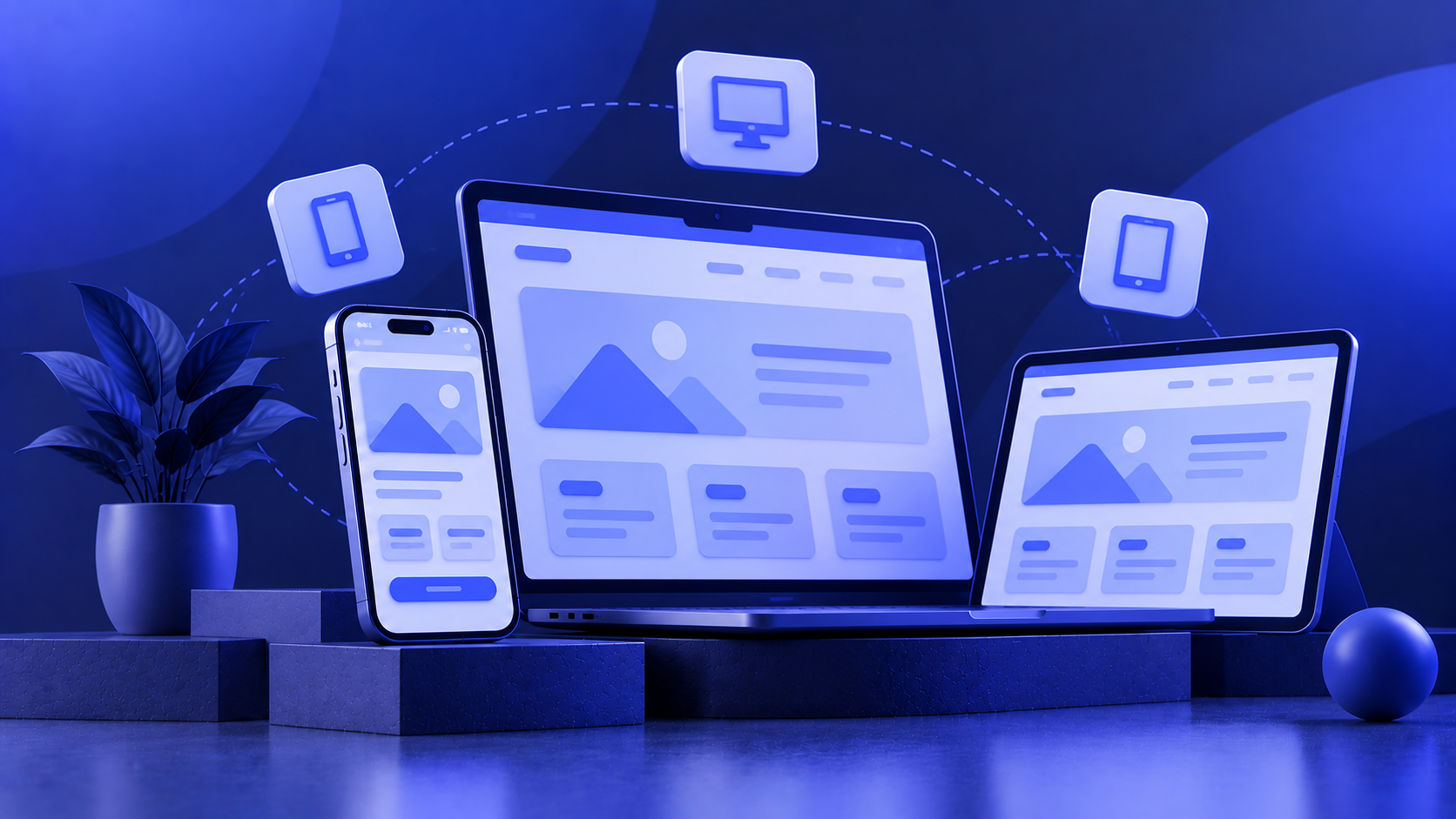
The application should also be tested across relevant devices and screen sizes. Performance, stability, and interface behavior need attention alongside functional errors.
Finding these issues before release can reduce disruption for users and make the initial launch more reliable.
7. Launch and Continue Improving
After testing, the app is prepared for submission to the App Store and Google Play according to each platform’s requirements.
Release is not the end of development. User behavior, reviews, technical issues, and product metrics provide valuable information after launch. This data can guide future updates, UX improvements, and new functionality.
Conclusion
Mobile app development is a sequence of connected stages rather than simply a programming task. Product planning, UX/UI design, development, testing, and post-launch improvement all contribute to the final result.
A well-defined concept and clear priorities make the project easier to manage. By validating important decisions early and improving the product after release, businesses can develop an app around real user needs instead of assumptions.
FAQ
How long does mobile app development take?
The timeline depends on functionality, platforms, integrations, design requirements, and overall product complexity.
What is an MVP?
An MVP is an initial version containing the core functionality needed to test a product idea with real users.
Should I choose native or cross-platform development?
The right approach depends on performance requirements, functionality, budget, and long-term product plans.
Why is a prototype important?
A prototype helps validate navigation and user journeys before development begins.
What happens after an app is launched?
Teams typically monitor performance, fix issues, review user feedback, and plan improvements or additional features.